
How to Search Criminal Dockets
Start any criminal docket search with the court named on the paper in hand. The citation, accusation, indictment, or warrant notice tells you where to look. In Chattooga County, felonies usually go to Superior Court. Misdemeanors, traffic matters, warrants, and preliminary hearings may sit in State or Magistrate Court. A city ordinance ticket can go to a municipal court instead. Juvenile matters carry their own confidentiality boundary.
Georgia Courts E-Access covers Chattooga State or Chattooga Superior. Both links route to PeachCourt, which requires an account. The local Clerk Case Search screen asks for a UserID and UserPassword. It adds a Remember User Name checkbox and a Log In button. There is no guest form for a name or case number.
- Read the court and case type from the notice or order.
- Open the matching official portal or clerk page and use the correct court label.
- Keep the full party name, approximate year, case number if known, and event sought together.
- Compare the returned setting or event with the latest notice and circuit calendar.
- Ask the responsible clerk for a public copy when the online route is gated or incomplete.
Chattooga Criminal Search Route
Georgia Courts E-Access is a routing page rather than a case-result screen. Its Chattooga State and Superior links lead to PeachCourt. PeachCourt registration collects a name, email, password, secret question and answer, a reCAPTCHA, and agreement to terms. Creating the account is free. Document or e-access charges may apply later.
The account requirement is the real gate here. Chattooga County offers no unauthenticated name search, no public case-number format guide, and no open result grid for criminal dockets. A search that clears the login still may not return every charge, bond event, attorney, or filing image, so treat any result as partial.
| Route | Observed control | Criminal coverage |
|---|---|---|
| PeachCourt through E-Access | Account login before court search | Chattooga State and Superior routes; images and restricted pages vary. |
| Chattooga Clerk | UserID, UserPassword, Remember User Name | Legacy Icon Case Management login; public fields were not visible. |
| Magistrate Court | Phone and office route | Warrants, preliminary matters, and minor offenses; no public database was located. |
| Municipal court | City-specific portal or clerk | Traffic and ordinance matters; the issuing city controls the route. |
When a public record sits behind a login, ask the clerk directly. Give the court and the approximate year. Add the case style or case number, and the exact docket event you need. A records request can reach the public portion of a criminal docket. It cannot override a juvenile or sealed-record rule.
What a Criminal Docket Shows
A criminal docket is the case register. It is not a criminal-history report, and it does not replace the full court file. Think of the fields as a checklist. Look for parties, charges, filings, settings, and outcomes. Because the search systems require credentials, treat each field as something to confirm on the record itself rather than a guaranteed on-screen control.
| Case number | Chattooga's local format was not publicly observed. Ask the clerk for the exact pattern rather than relying on a guessed code such as format not publicly observed. |
|---|---|
| Court and case type | Shows Superior, State, Juvenile, Magistrate, municipal, or another court and whether the record is criminal, traffic, or ordinance based. |
| Charge or initiating paper | An accusation, indictment, citation, complaint, or warrant event may identify the start of the case. |
| Settings and judge | Arraignment, calendar call, motions, status, jury trial, or other event labels can appear with a date and judge or initials. |
| Plea and disposition | A plea, dismissal, conviction, acquittal, sentence, or other final event may be entered when public and complete. |
| Documents and restrictions | A View or Request Documents control can indicate an image, request workflow, seal, redaction, or unavailability. |
A calendar entry can be thin. The August 2026 LMJC monthly matrix was sparse. It showed only the date, county, setting label, and judge initials. No party names, case numbers, courtroom fields, or document buttons appeared. A calendar gives schedule context, not a complete criminal register.
Chattooga Criminal Docket Codes
Local calendar language offers clues, though not every abbreviation has an official public expansion. The LMJC calendar prints labels such as “Crim Cal Call,” “Crim Status,” “Crim Jury Trials,” and “Motions.” Others include “Circuit/CSRU” and “DA/NJ/Arr.” It also lists judge initials B, A, T, and H. Keep the wording exactly as printed. Confirm a definition with the current court administrator before relying on a guess.
- Crim Cal Call
- Printed shorthand for a criminal calendar-call setting. It is a court date block, not a case disposition.
- Crim Status
- A criminal status or progress setting. The exact event purpose should be confirmed from the case notice.
- Crim Jury Trials
- A calendar block for criminal jury-trial settings. The monthly cell does not identify every case in the block.
- Arraignment
- An initial criminal stage where charges and plea issues are addressed. The local field label was not observed in a live docket.
- Disposition
- The outcome recorded by the court, which may be separate from a calendar cancellation or reset.
Some terms recur. Bond, warrant, plea, sentence, and appeal all appear in a Chattooga County criminal case history. What matters is telling them apart. Some fields are visible in official descriptions but only open once you hold an account. Distinguish what a docket actually shows from what the route promises behind a login.
Stages on a Criminal Docket
A criminal case usually runs from an initiating paper through court settings. It ends in a final action. The order varies by case and by court. A warrant or preliminary hearing can begin in Magistrate Court. Felony trials belong to Superior Court. State Court handles its own misdemeanors and traffic matters on a separate path. A municipal ordinance case stays with the issuing city. The law provides a later review route in some cases.
Docket flow: Charge or citation › arraignment or first setting › motions and status › plea or jury trial › disposition › sentence or appeal
A “setting” reserves court time. It is not a result. A status setting may lead to a later trial, and a plea can change the next calendar entry. When a signed order or updated case event conflicts with an older monthly calendar, the order controls.
Chattooga Criminal Court Split
Chattooga Superior Court handles felony trials and sits in the Lookout Mountain Judicial Circuit. Chattooga State Court takes county-limited misdemeanors, traffic matters, and warrants. It also holds preliminary hearings and civil cases outside Superior's exclusive jurisdiction. The Magistrate Court covers warrant applications, preliminary hearings, minor offenses, and other limited matters. A municipal ticket belongs to the city court named on the citation. Each court keeps its own docket, so the split matters for any case lookup.
The 2025 Georgia State Court Directory lists Samuel C. Finster, Sr. for Chattooga State Court. That is the judge named in that edition. A dated directory can lag behind. Verify current assignments before treating a judge name as settled. The local clerk page remains the stronger route for present court records.
The Georgia accountability-court map works as a directory of specialty programs. It is not a public participant docket.
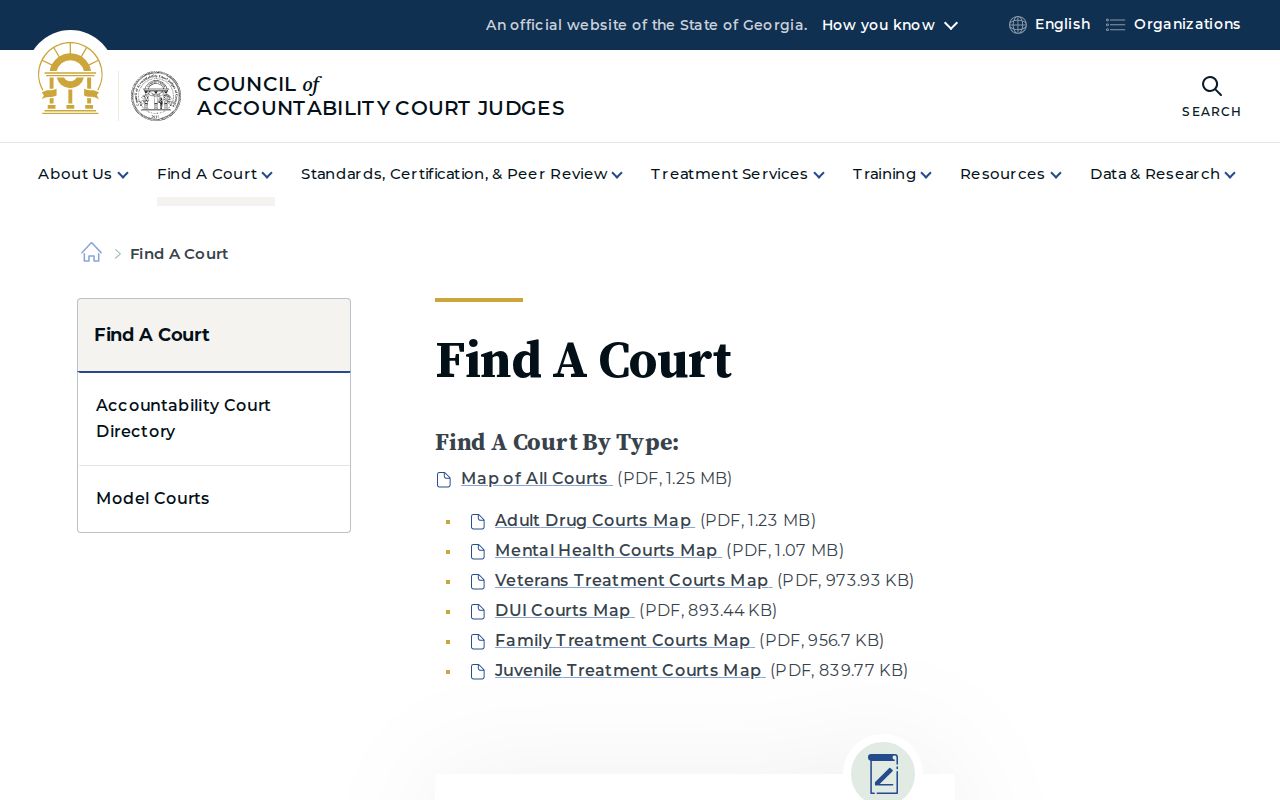
That map supports program-level routing only. It does not supply a Chattooga case sample or a roster of people in a program.
Which Court Holds Criminal Dockets
Start with court level, not the name. A felony, a State Court misdemeanor, a Magistrate warrant, a juvenile matter, and a city ordinance citation can all sit in different indexes. The unified Superior, State, and Juvenile clerk office keeps the main records at 10035 Commerce Street. It is reachable at 706-857-0706. Magistrate Court answers at 706-857-0711. Its address is 120 Cox Street, Suite C. City clerk contacts vary by town.
| Question | Likely court | Route |
|---|---|---|
| Felony trial or broad criminal case | Chattooga Superior Court | PeachCourt through E-Access, then the county clerk if the result is gated. |
| Misdemeanor, State traffic, warrant, preliminary hearing | Chattooga State Court or Magistrate Court | State route for E-Access; Magistrate phone or counter for matters it keeps. |
| Juvenile delinquency or dependency | Chattooga Juvenile Court | Juvenile clerk or authorized JDEX route, not a public name search. |
| City traffic or ordinance violation | Summerville, Trion, Menlo, or Lyerly municipal court | Issuing city portal or clerk. |
Chattooga Criminal Calendar Context
The 2026 circuit calendar gives the clearest public view of criminal scheduling in Chattooga County. It lists Chattooga Criminal Calendar Call on August 4. Criminal Status follows on August 7. Criminal Jury Trials run August 17 and August 24. Each cell carries a county, an event label, and judge initials. It does not list every case, party, number, or result. A calendar is a schedule, not a docket.
Check the circuit's Chattooga page, trial list, Judge Hise calendar, and current notices. Those sources hold the dated PDF. A notice can set a cutoff or cancellation the older calendar omits. Interpreter requests must reach the circuit ten business days before a hearing. Confirm any criminal setting with the clerk or court administrator before relying on it.
A monthly criminal calendar is a scheduling snapshot. The docket or case file carries the event history and disposition.
Chattooga Criminal Caseload Context
Old filing counts show why criminal and traffic records run as separate streams, but their vintage matters. The FY92 Judicial Council report is the source. For the reported Chattooga State Court table, it lists 926 misdemeanor filings, 2,286 traffic filings, and 56 civil filings. The totals reach 3,268 filings. Dispositions that year came to 2,903. These figures are not a current docket count or a 2026 forecast.
Aggregate data is easier to reach now. The AOC Research dashboards cover Superior, State, Magistrate, Probate, Juvenile, and Municipal counts, but warn that the figures are self-reported and not individual-case data. The August 2025 DDS report lists 18 citations from Chattooga Superior and 49 from Chattooga State for that report period. Neither replaces a case-level docket.
Public Access and Sealed Criminal Dockets
Uniform Superior Court Rule 21 opens with a promise of public access to court files, subject to law and any proper limitation order. Rule 21.6 covers protected identifiers. It requires separate handling of protected pages. A court can still limit access after the required motion, hearing, and finding, and a temporary ex parte limitation can stand under the rule.
Important boundaries:
JDEX is an authorized-access system for juvenile information, not a public name-search portal.
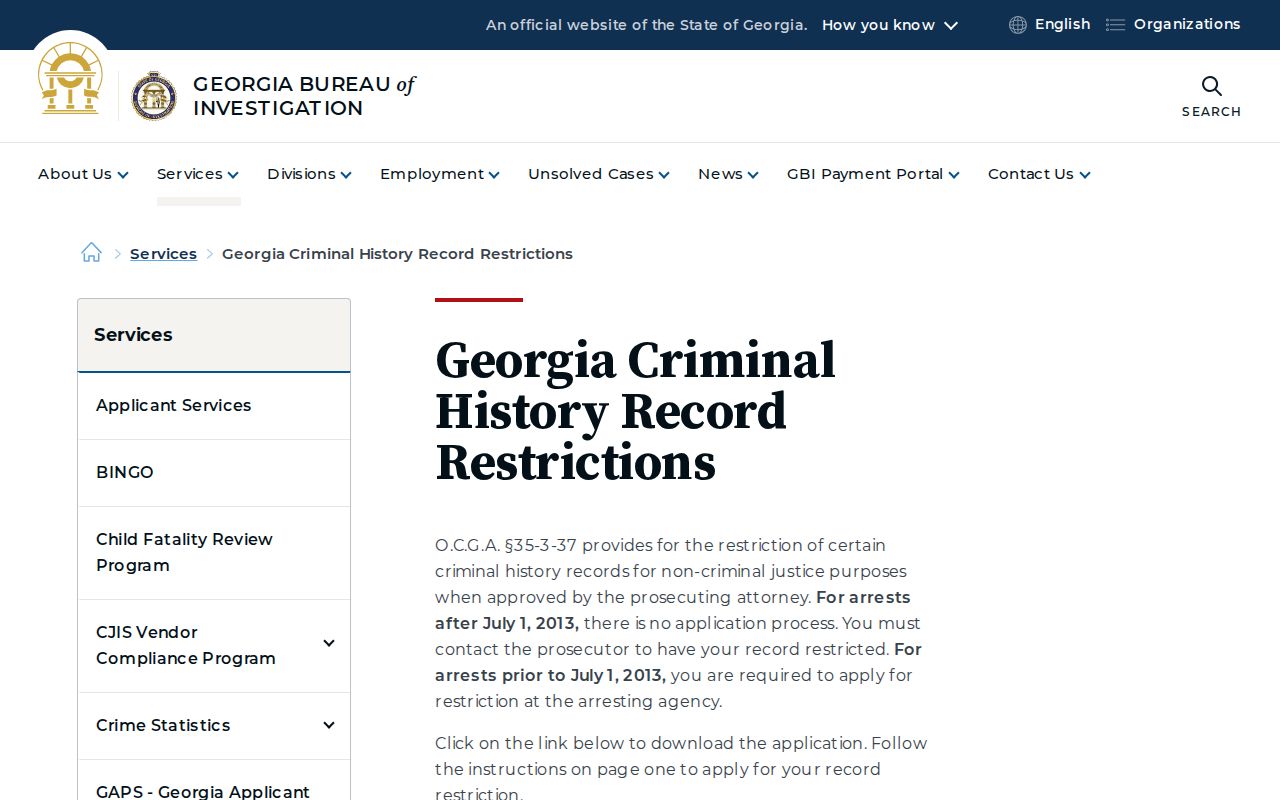
GBI restriction guidance applies to GCIC criminal-history access and does not automatically delete a court-file entry.
Georgia Open Records guidance supplies a request path, but it cannot override juvenile confidentiality or a sealing order.
Criminal-history records and court dockets are separate systems. That gap confuses people. A restricted GCIC result does not prove a court docket was erased. A missing PeachCourt document does not prove a charge was dismissed. Ask the responsible court or clerk. Ask which order or notation actually controls.
Chattooga Criminal Access Limits
Georgia Courts describes JDEX as governed by the Georgia Juvenile Code and other confidentiality law. PeachCourt vendor material says sealed, restricted, adoption, and some proposed-order material may show no View button, a request state, or an unavailable state. Stop at that boundary. Label the result restricted or unavailable. Never copy personal identifiers from an unfiltered scan.
The JDEX login surface carries an authorized-user and confidentiality notice. The GBI restriction form is separate. It addresses arrest-history records, not a way to search or alter a Chattooga court docket. For a public request, name the court, the date range, the case identifier, and the document you want. If access is denied, ask for the non-protected remainder and the specific exemption claimed.
A criminal docket is a civic record of court events. Use it to follow a case, confirm a setting, trace a filing path, or locate an official copy. It is not a legal determination. It is not the court's own record either. The Georgia Courts JDEX overview supplies the official access context for juvenile information.
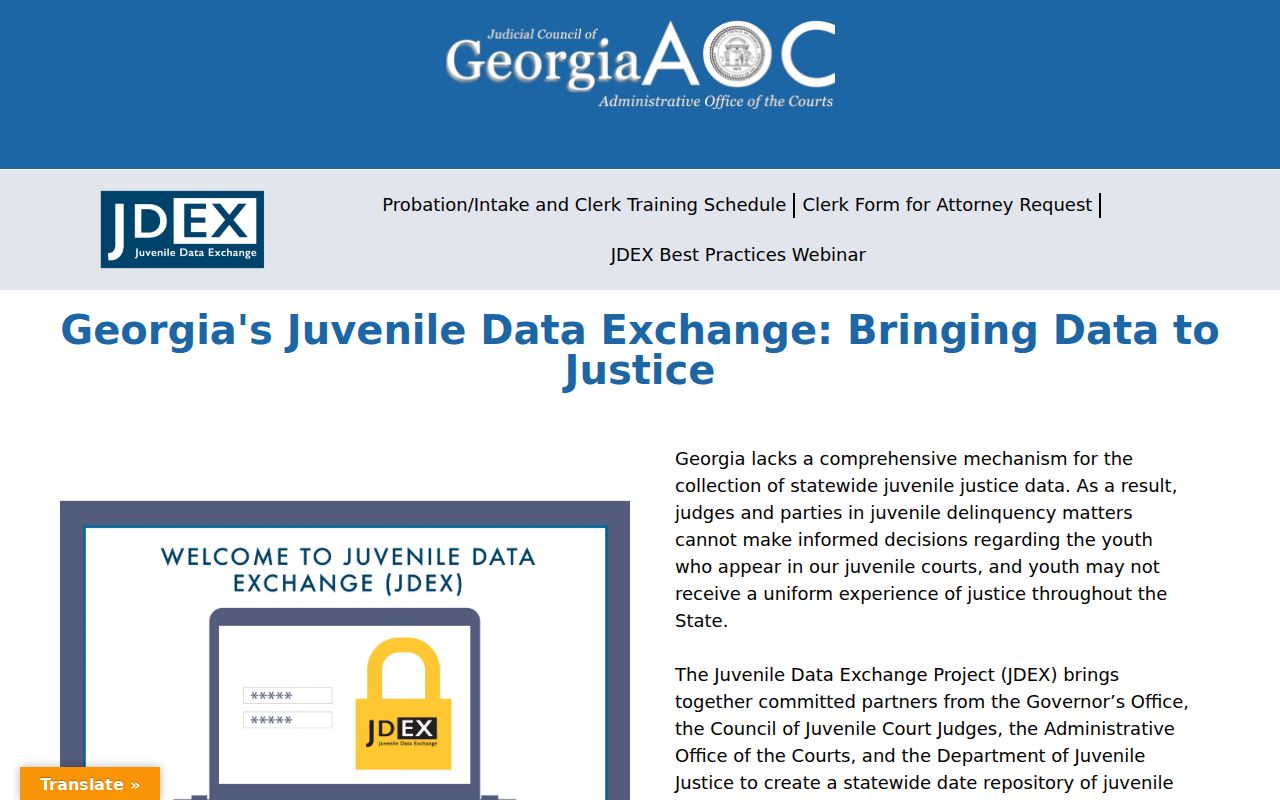
The overview does not open a public Chattooga name search. The GBI page is the official source on the difference between a criminal-history restriction and a court-file restriction.
JDEX provides a separate authorized-access context.
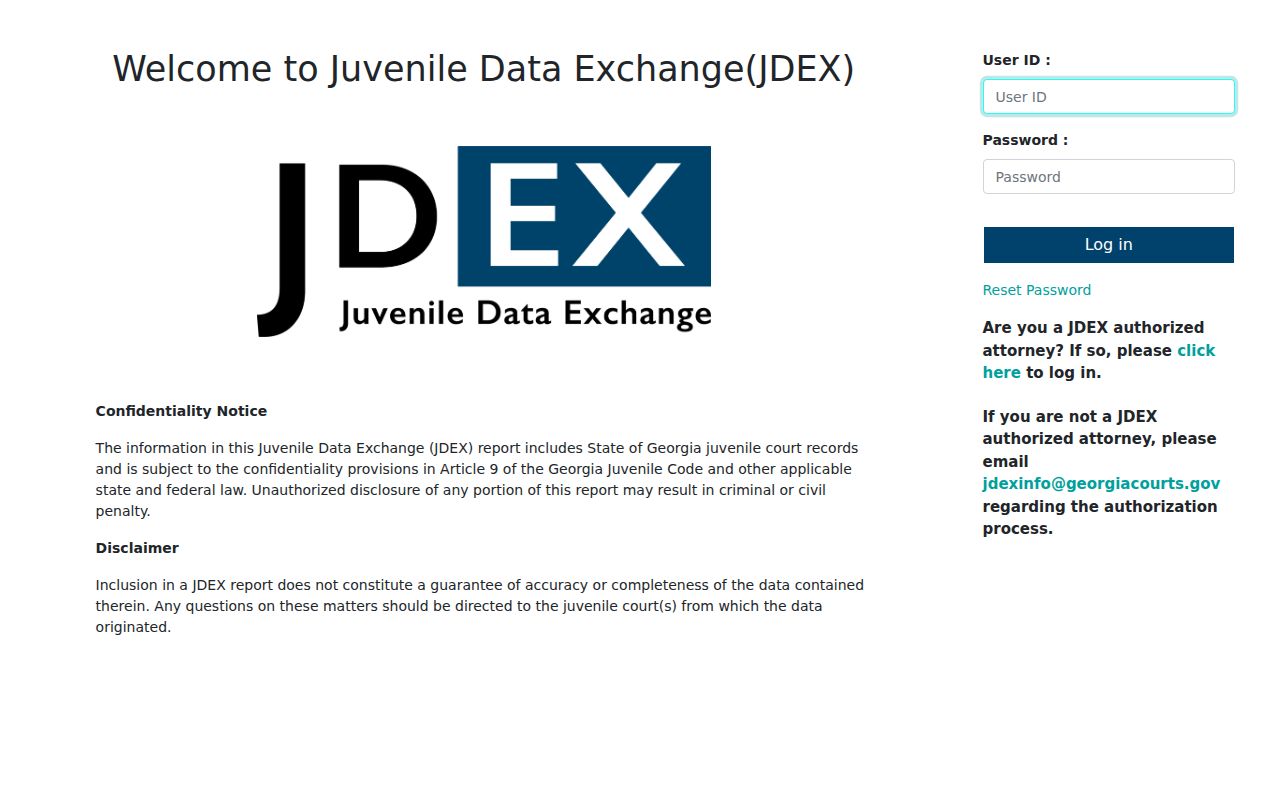
Neither page is a case sample. Each one points to the same lesson: identify the office and the access rule before describing what a Chattooga criminal docket contains.